How to publish lists, communicate within the platform, and send money and messages

1_ Posting Ads and Listings:From the top of the page, click the green box labeled “Add Listing”, then fill in the required information.

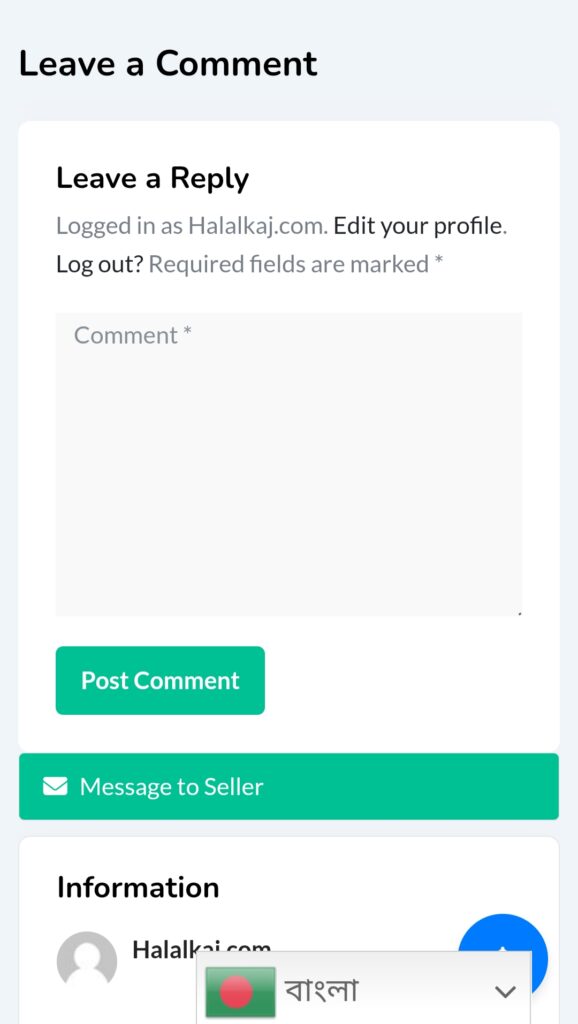
2_Communication Between Seller and Buyer:Under each advertisement, there is an “Add Comment” field. Below it, you will find the “Send Message” option to contact the other party directly.
3_How to Deposit Shipping Fees or Balance via the Platform:At the top right, click on the three dots. A dropdown menu will appear with several options. Select the fifth option (“Bank”), fill in the required details, then click “Deposit.”
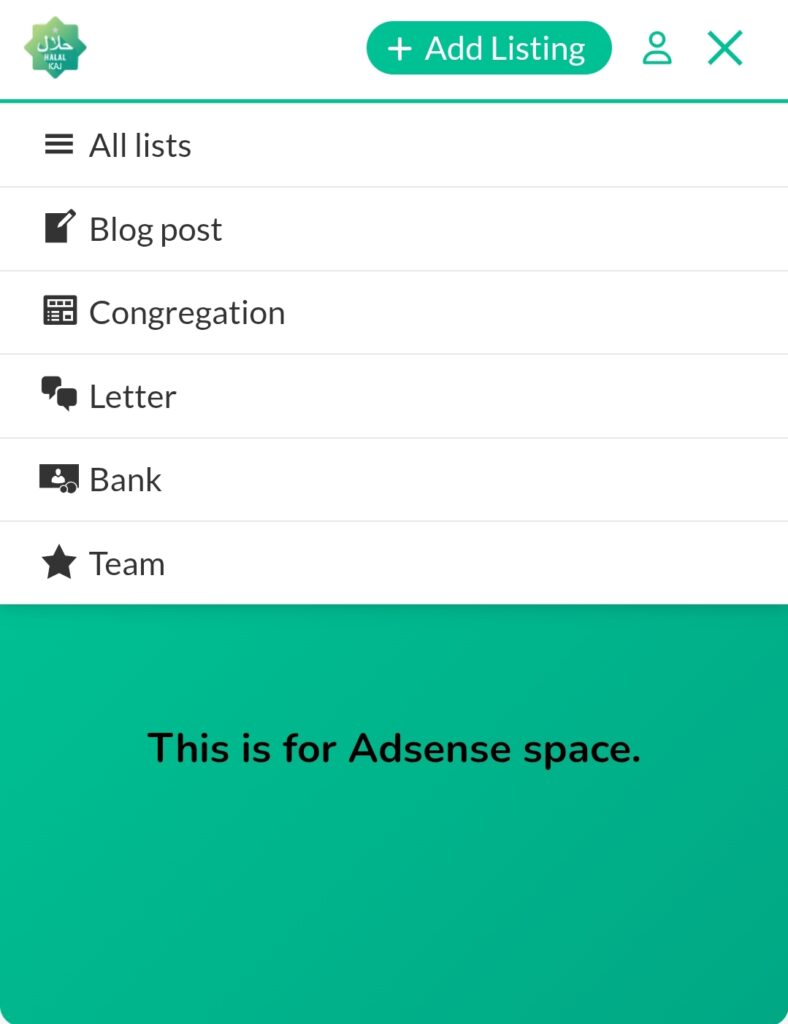
4_How to Transfer and Send Money via the Platform:Click on the “Bank” option, enter the username and the amount you wish to transfer. The amount will be transferred immediately to the other party’s account.
5_ How to Send Messages Within the App:Go to the “Chats” tab at the bottom of the screen and select the conversation you want to continue. You can type a message or send additional images related to the service or product.